touch-typing
How to Type Without Looking at the Keyboard
Learning to type without looking at the keyboard is one of the most useful digital skills you can build today. It frees your mind to focus on ideas instead of mechanics, dramatically increases speed, and unlocks the flow state that fast typing depends on. This guide walks you through how to get there step by step — slowly, deliberately, and permanently.
What Touch Typing Actually Is
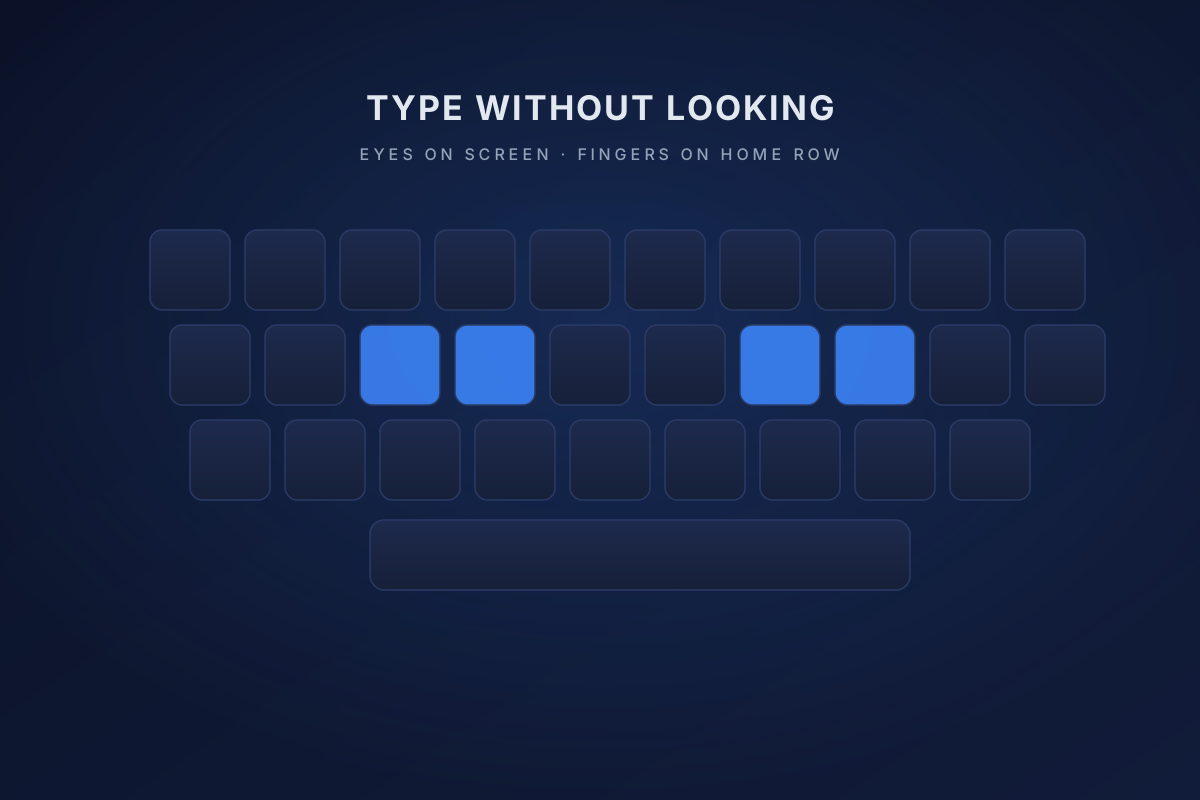
Touch typing is typing entirely by muscle memory, eyes on the screen. Each finger owns a group of keys, and after enough practice the hands move automatically. Your home base is the home row — A, S, D, F on the left and J, K, L, ; on the right — and every other key on the keyboard is reachable from there.
Set Up the Right Environment
A comfortable, distraction-free setup makes learning faster. Get the chair height, monitor position, and wrist posture right from the beginning. Ergonomics that feel boring now will save you from fatigue, strain, and slow progress later.
Step 1 — Anchor on the Home Row
Place your left fingers on A, S, D, F and your right fingers on J, K, L, ;. The raised bumps on F and J let you find home position without looking. Every keystroke begins here and returns here.
Step 2 — Assign Fingers to Keys
Each finger covers a specific zone. Random finger-to-key combinations are the most common reason beginners stall. Break the keyboard into zones, stick to the assignments, and resist the urge to use whichever finger feels easier in the moment.
Step 3 — Practice Slowly and Deliberately
Don't chase speed at the start. Accuracy is what you're training. Slow, correct typing with the right fingers builds the muscle memory that eventually produces effortless high-speed typing.
Step 4 — Use Typing Tools
Free platforms like TypingClub, Keybr, and Monkeytype offer structured lessons, real-time feedback, and progress tracking. The gamified elements make the slow early weeks far more bearable.
Step 5 — Stop Looking Down
This is the hardest part. Cover your hands with a small cloth or towel during practice. The physical barrier forces your brain to rely on feel instead of sight, and that's exactly what accelerates muscle memory.
Mistakes That Slow You Down
Using the wrong fingers, practicing inconsistently, and prioritizing speed over accuracy are the three patterns that delay progress. Short daily sessions beat long irregular ones — 15 to 20 minutes a day will get you to fluency faster than a single weekly marathon.
How Long It Takes
With consistent daily practice, noticeable results appear in 2–4 weeks, and most learners reach comfortable fluency in 2–3 months. Professional typists eventually hit 80–100+ WPM with near-perfect accuracy — but even reaching intermediate touch typing is a major productivity unlock.
Muscle Memory Is the Whole Game
Touch typing works because of neural pathways built through repetition — the same mechanism that lets a pianist play without looking at the keys. After enough practice, thinking a letter triggers the keystroke automatically. That's why consistency in the first few weeks matters more than anything else.
Learning to keep your eyes off the keys is a skill that pays back for life. It reduces eye strain, multiplies your speed, and keeps your mind on ideas instead of mechanics. Start on the home row, practice daily, and trust your fingers — the keyboard is your tool, but your mind is your power.