beginner-typing
Master the Home Row: A Beginner's Guide to Confident Typing
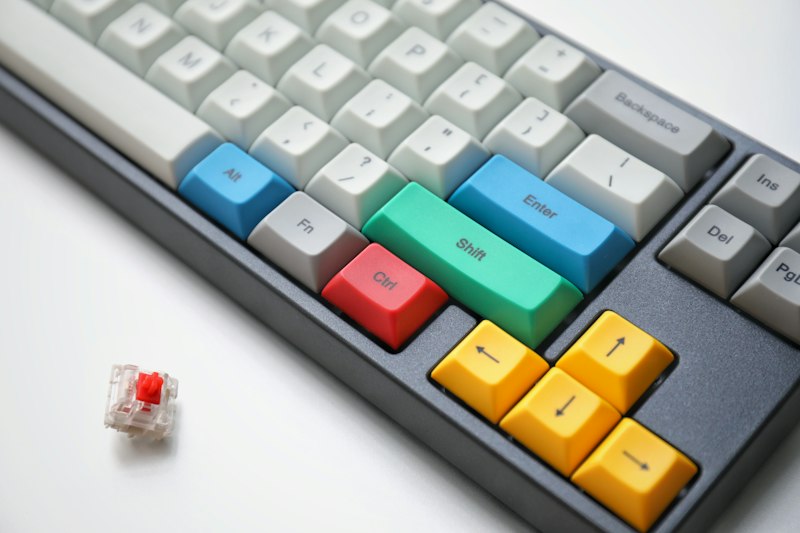
The home row is the absolute foundation of all touch typing. By mastering the placement of your fingers on these central keys, you unlock the ability to type without looking at the keyboard, drastically improving both your speed and accuracy. This comprehensive guide will walk you through the essential steps to build a solid foundation for your typing journey, ensuring you develop the right habits from day one. When you understand the home row, you understand the map of the entire keyboard. Every reach, every stretch, and every keystroke originates from and returns to this central equator of keys. Without a firm grasp of the home row, touch typing is impossible, and you will forever be reliant on visual confirmation to find your way around the board.
Understanding the Home Row
The home row consists of the keys A, S, D, F for the left hand, and J, K, L, ; for the right hand. Your thumbs should rest gently on the spacebar. This positioning ensures that every other key on the keyboard is within easy reach, minimizing hand movement and reducing fatigue. The home row acts as your anchor point; no matter where your fingers travel to strike a key, they should always return to this central location. This spatial anchoring is what allows touch typists to navigate the keyboard entirely by feel, without ever needing to glance down at their hands. Think of the home row as your base camp. Just as a climber always knows the route back to base camp, your fingers must instinctively know the route back to A, S, D, F and J, K, L, ;. This constant returning motion builds the spatial awareness necessary for high-speed typing.
Proper Finger Placement
Place your left index finger on F and your right index finger on J. You will notice a small bump on these keys—these are tactile guides to help you find the home row without looking down. Let your other fingers fall naturally onto the adjacent keys. Maintaining this posture is critical for building muscle memory. Your wrists should hover slightly above the keyboard or rest lightly on an ergonomic pad, but they should never be planted firmly on the desk, as this restricts the natural movement of your fingers and can lead to strain over time. Proper placement is not just about the fingertips; it involves the entire posture of the hand, wrist, and forearm. When your hands are positioned correctly, your fingers curve naturally, striking the keys with the tips rather than the pads, which increases precision and reduces the likelihood of accidentally striking adjacent keys.
Building Muscle Memory
Muscle memory is developed through repetition. Start by typing simple combinations of home row keys. Do not worry about speed initially; focus entirely on pressing the correct key with the correct finger. Over time, your brain will map the physical distance to each key, allowing for effortless typing. This process requires patience. In the beginning, it will feel slow and deliberate, but as you consistently practice, the neural pathways in your brain will strengthen, and the movements will become entirely subconscious. Muscle memory is the ultimate goal of touch typing. It is the transition from conscious effort to unconscious competence. When you achieve true muscle memory, you no longer think about pressing the letter "T"; you simply think the word "The," and your fingers automatically execute the necessary sequence of movements.
Common Mistakes to Avoid
The most common mistake beginners make is looking at the keyboard. Resist this urge. If you make a mistake, use the backspace key and try again. Another frequent error is moving the entire hand to reach a key rather than stretching the designated finger. Keep your palms stationary and let your fingers do the work. Additionally, avoid the temptation to use the wrong finger for a key just because it feels easier in the moment; strict adherence to proper finger assignment is the only way to build reliable, long-term typing speed. Breaking bad habits early is much easier than trying to unlearn them after months of practice. Stay disciplined, keep your eyes on the screen, and trust the process.
Mastering the home row is your first major milestone in touch typing. With consistent practice, your fingers will naturally find their way back to this central position. Ready to put this into practice? Try our Home Row Basics lesson or take a quick typing test to establish your baseline.